




新入生向けミニワークショップ

改めまして、こんにちは。ICTの白山麓キャンパスでラーニングメンターを担当している、シャルミー・アブアンです。新学年度が始まってから、早くも1か月余りが経ちました。前回の記事では、昨年度を通して実施したワークショップについてご紹介しました。今回は、それよりも小規模ながら同様に重要な取り組みとして、新学期開始から約1週間後に新入生を対象に実施したミニワークショップについてご紹介します。
授業が正式に始まる前に、ラーニングメンター同士で集まり、新入生がスムーズに学校生活へ適応できるよう、どのような支援ができるかを検討しました。新しい環境への適応はそれ自体で大きな負担となるため、ICTでの日常生活の中で実際に役立つ実践的なスキルに焦点を当てることにしました。
ミニワークショップは、2026年4月13日から16日までの4日間にわたり実施され、各回はラーニングセッションの前半において15〜20分程度行われました。
1日目:eSyllabusワークショップ
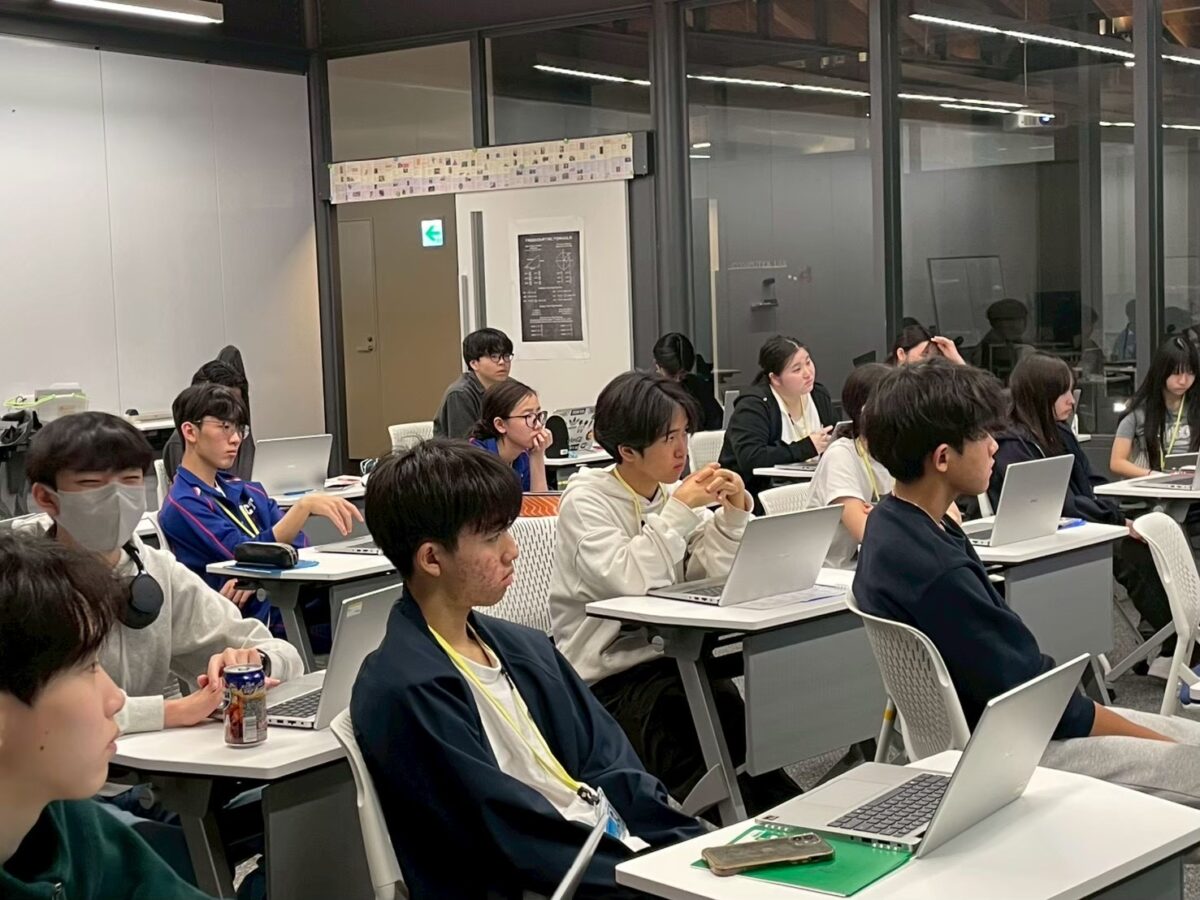
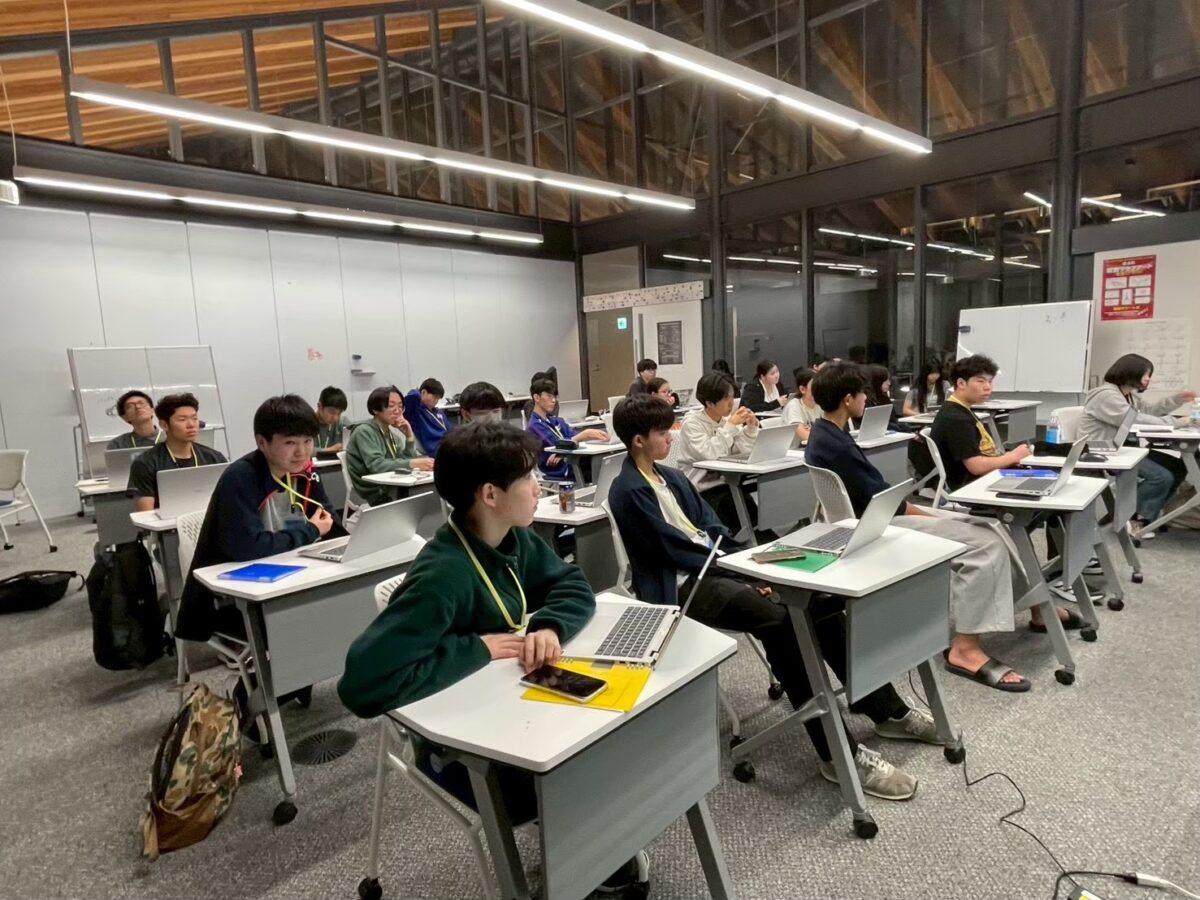
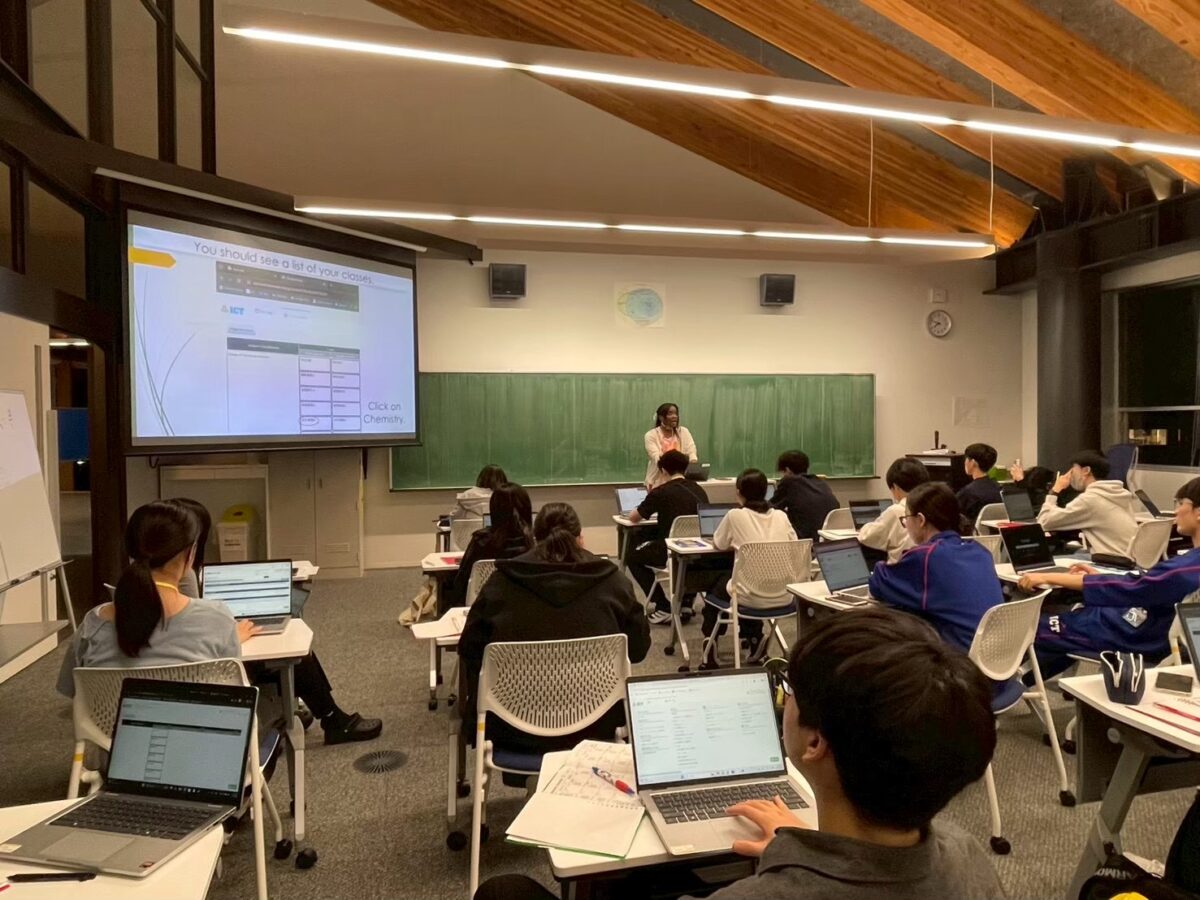
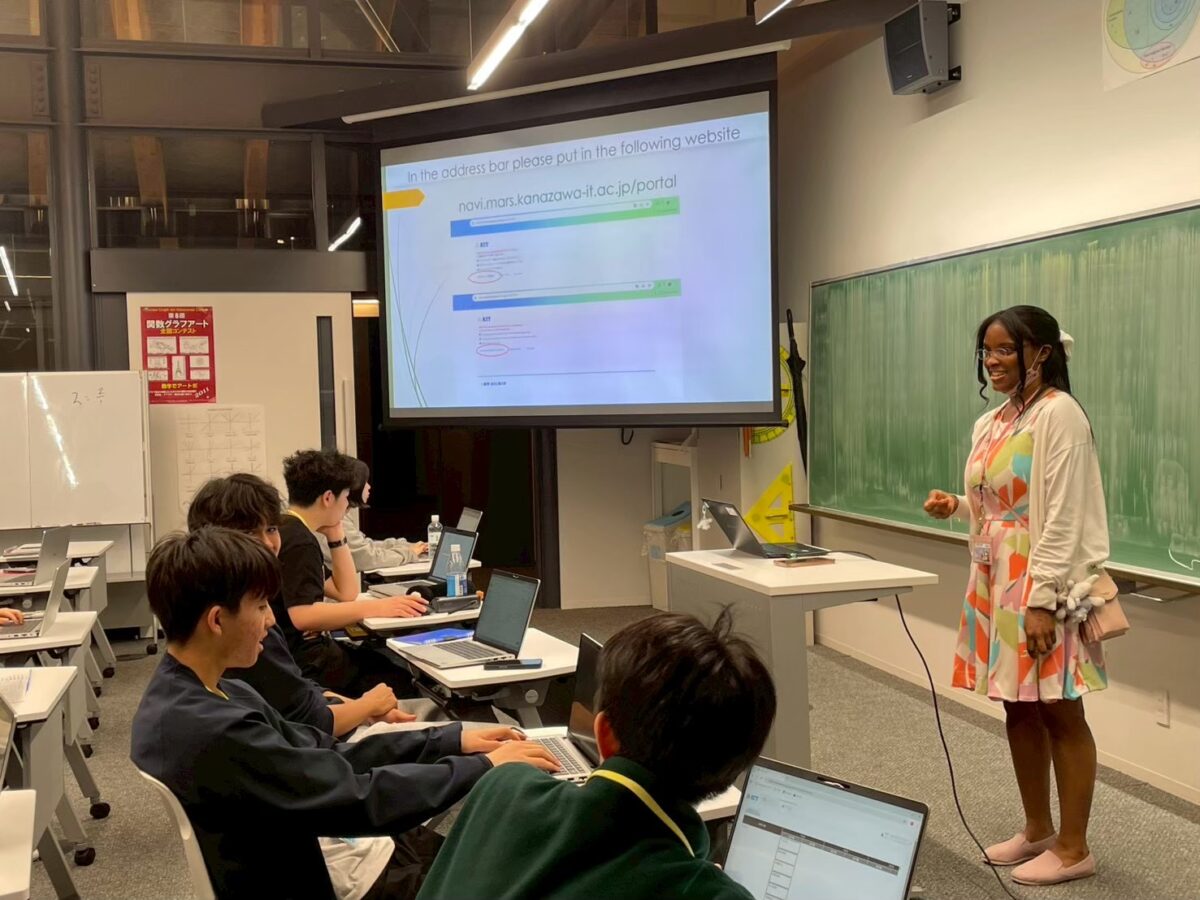
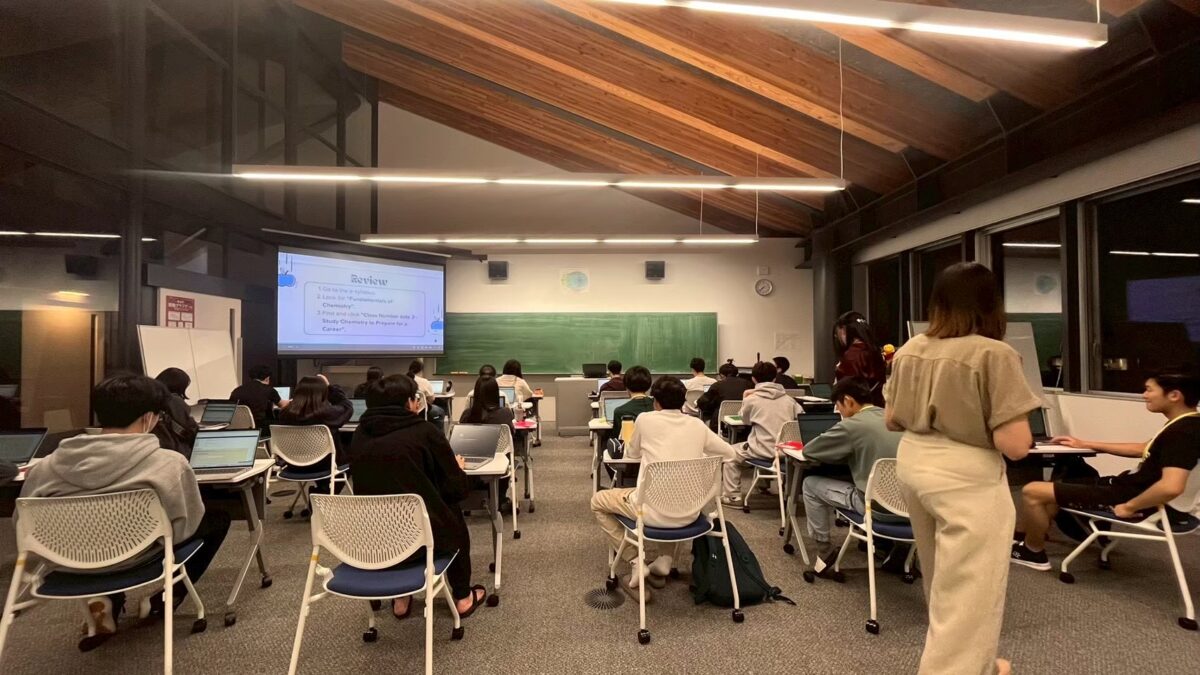
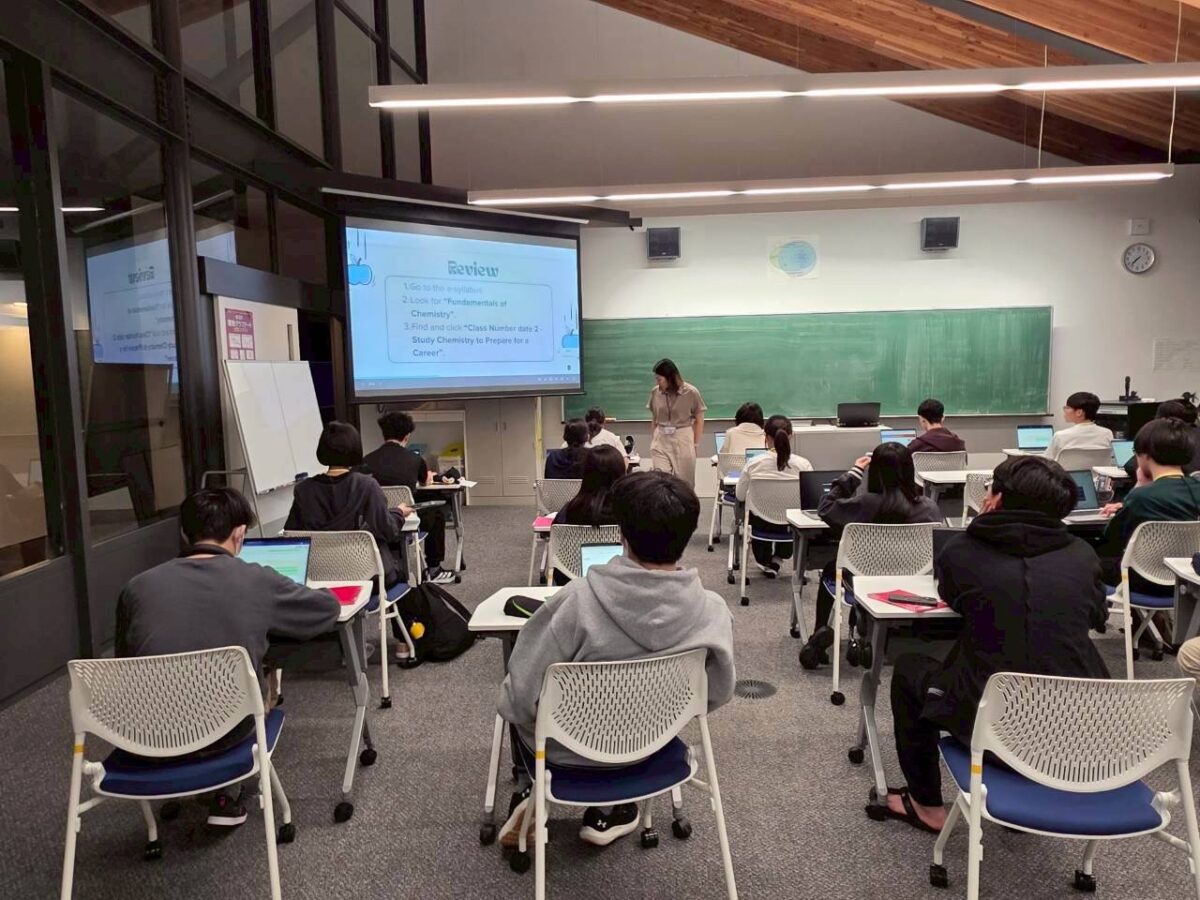
初日は、eSyllabusの紹介と、それを定期的に確認する重要性について説明しました。eSyllabusは、授業のカリキュラムや教材、課題を確認するための主要なシステムであるため、その使い方を理解することは非常に重要です。はじめのうちは、システムを操作する学生たちの中に戸惑いが見られ、慎重に試行錯誤している様子がうかがえました。しかし、時間が経つにつれて徐々に操作に慣れ、困ったときには質問をするなど、積極的な姿勢も見られるようになりました。セッションの終わりには、多くの学生が安心してeSyllabusを利用できるようになっていました。
2日目:Microsoft Wordワークショップ
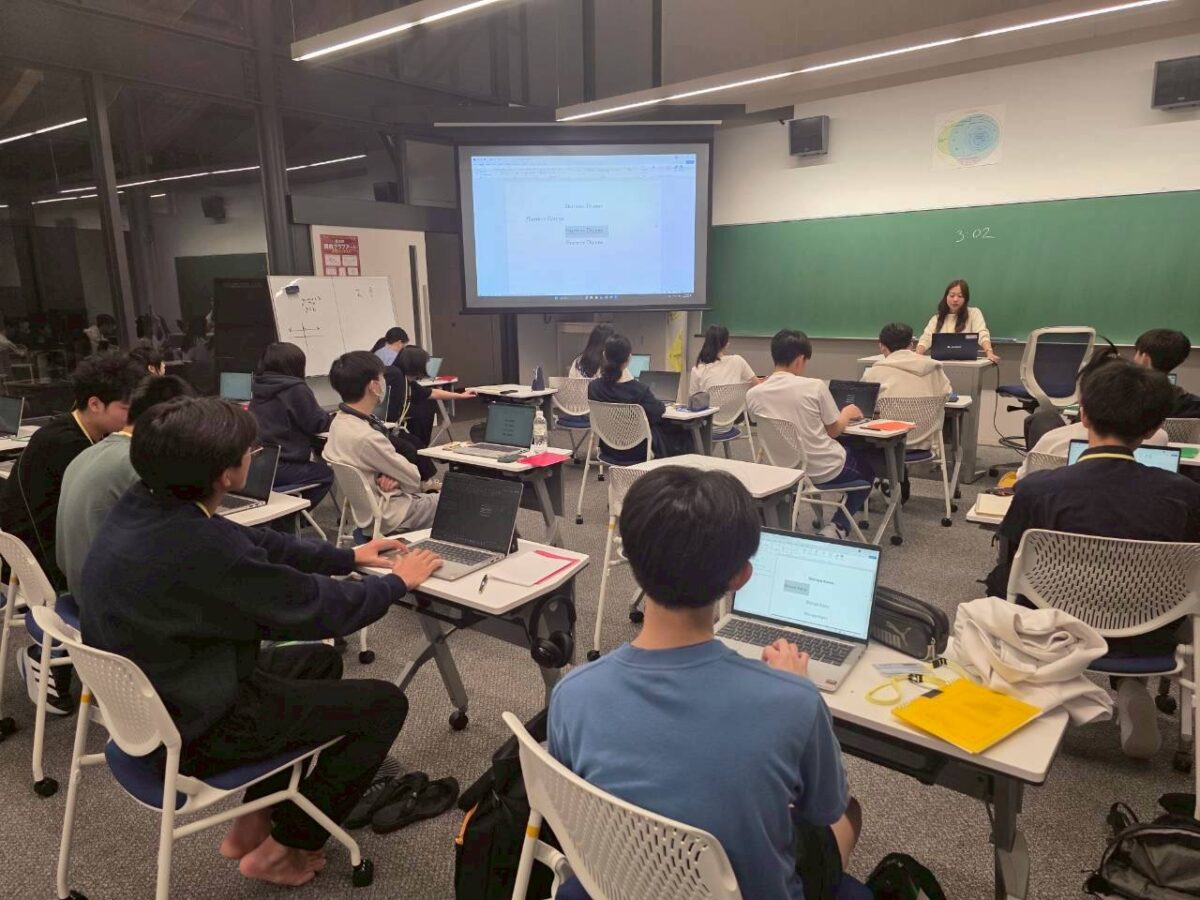
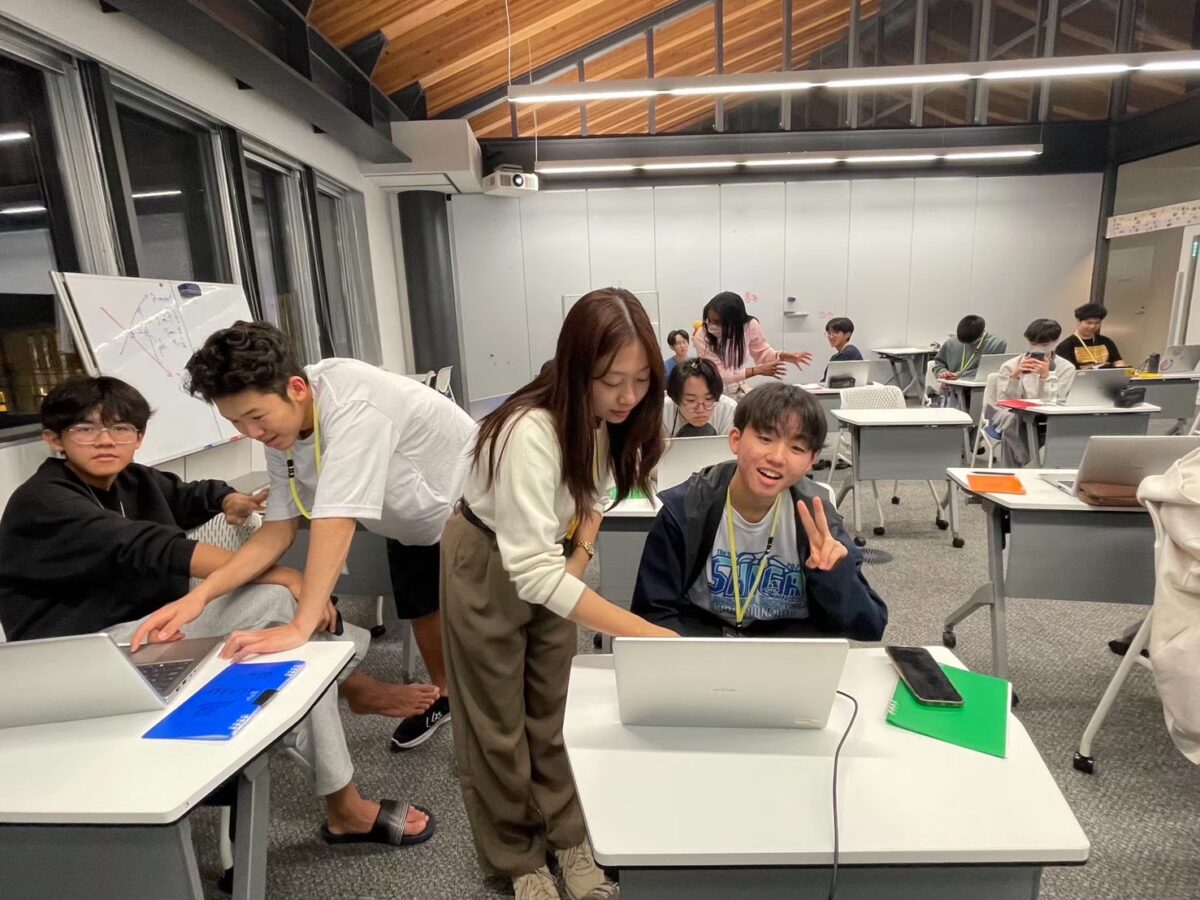
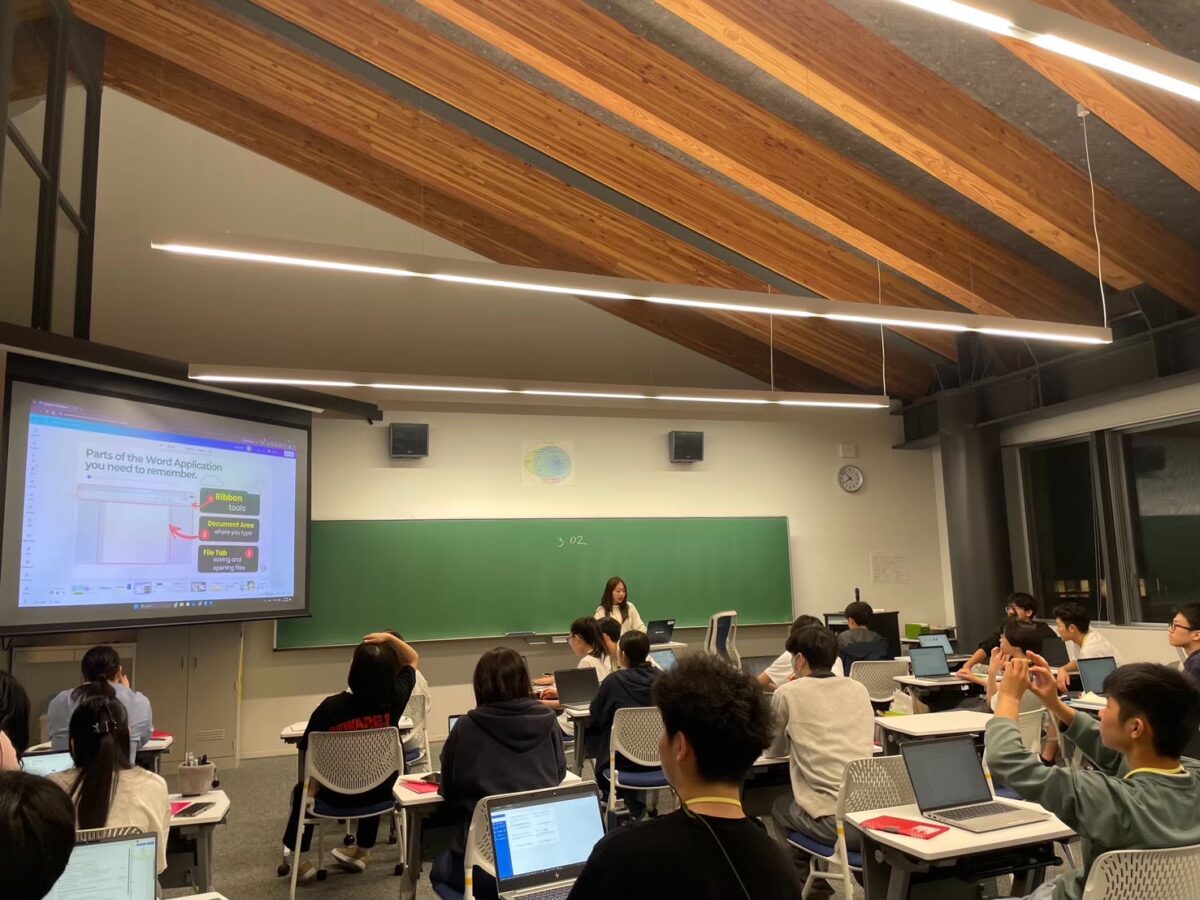
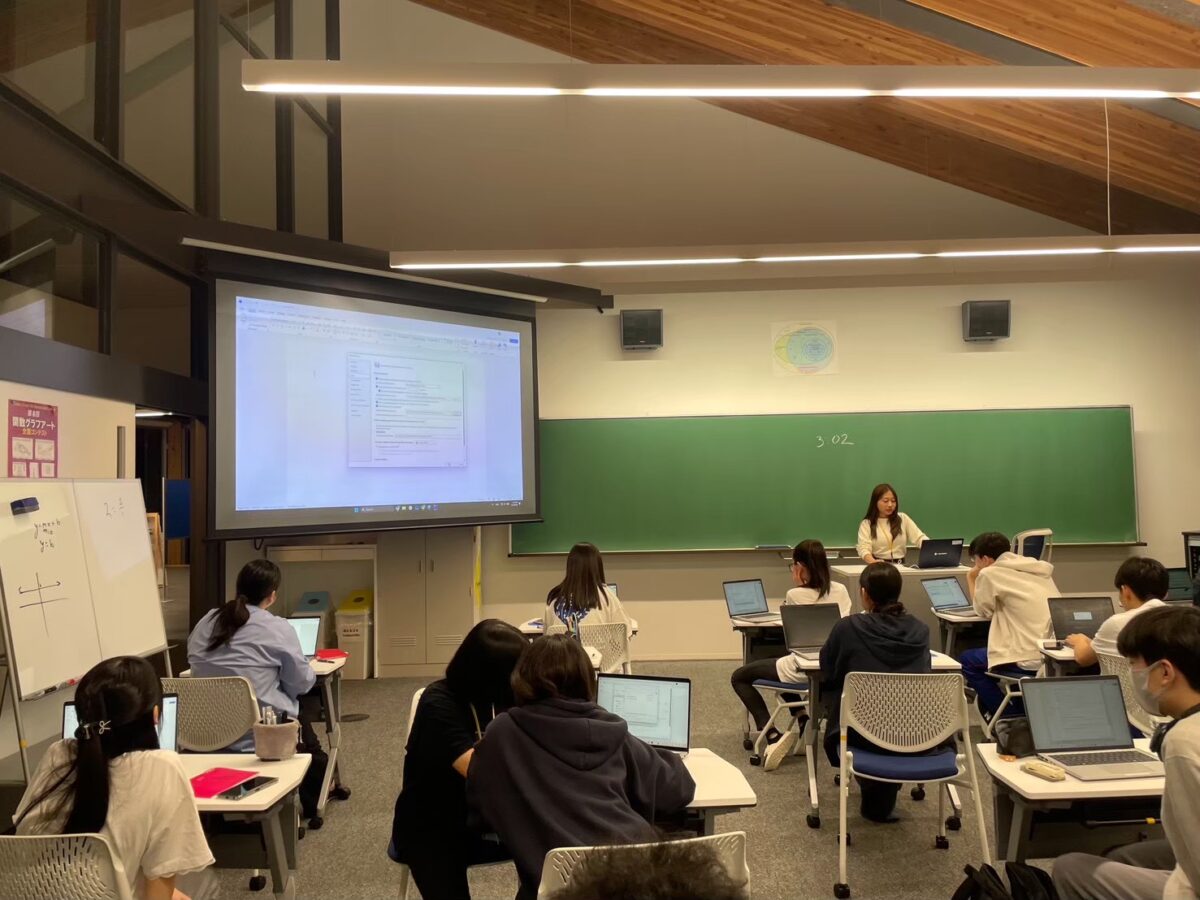
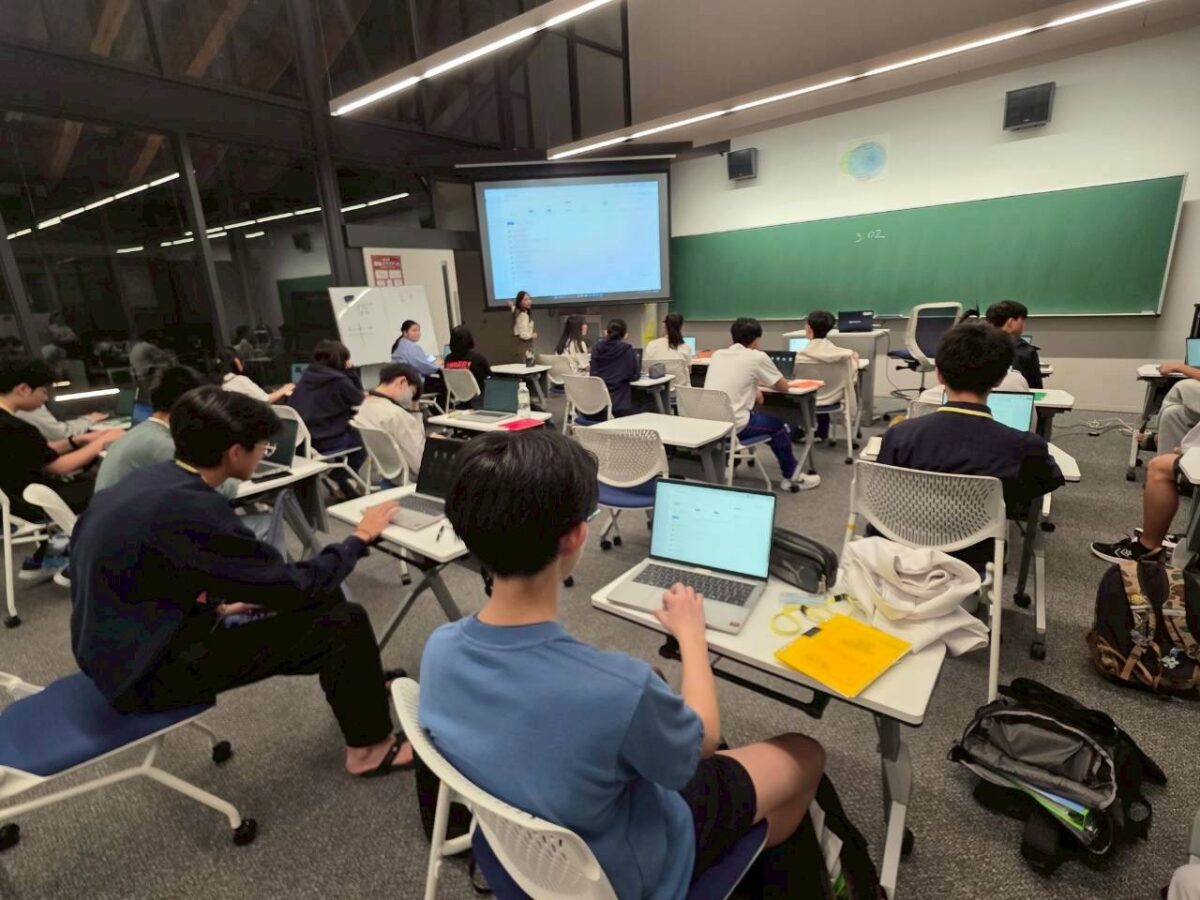
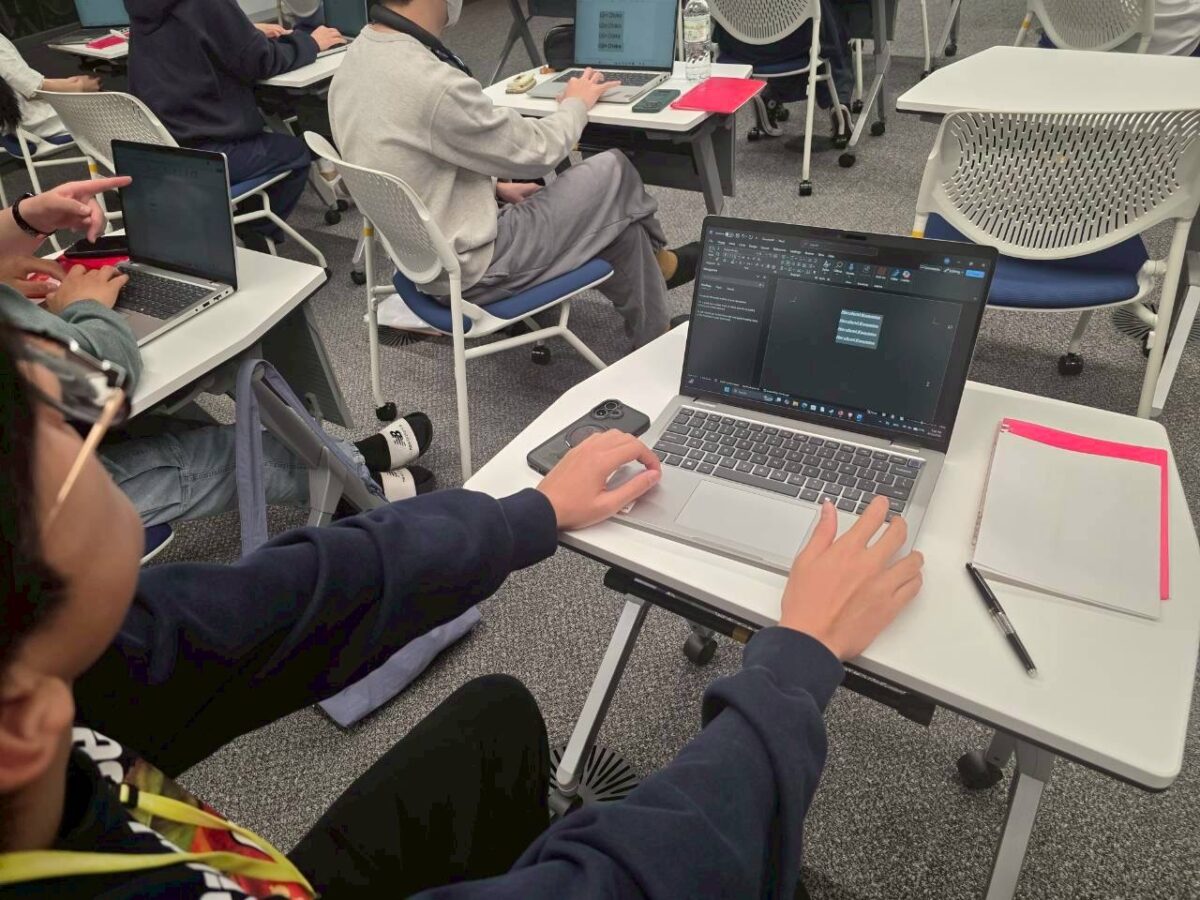
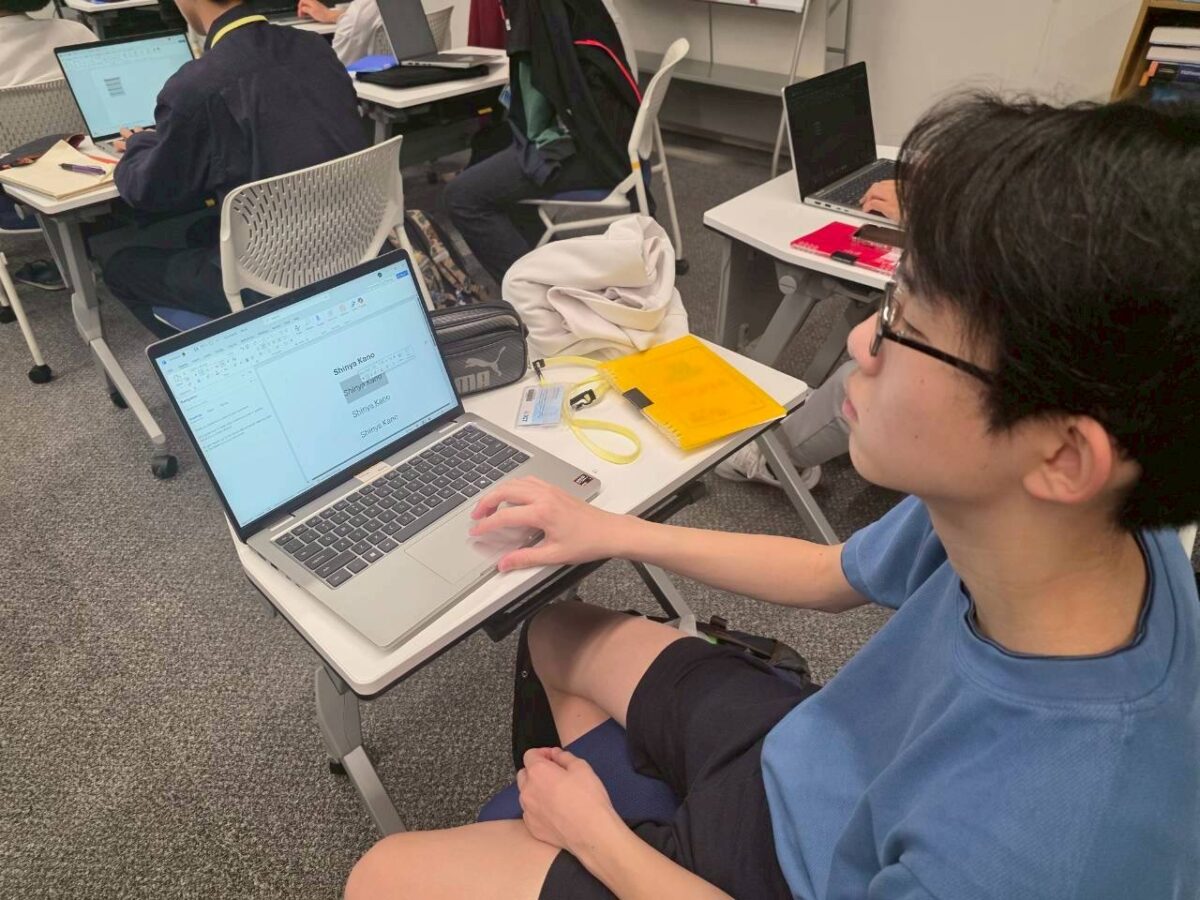
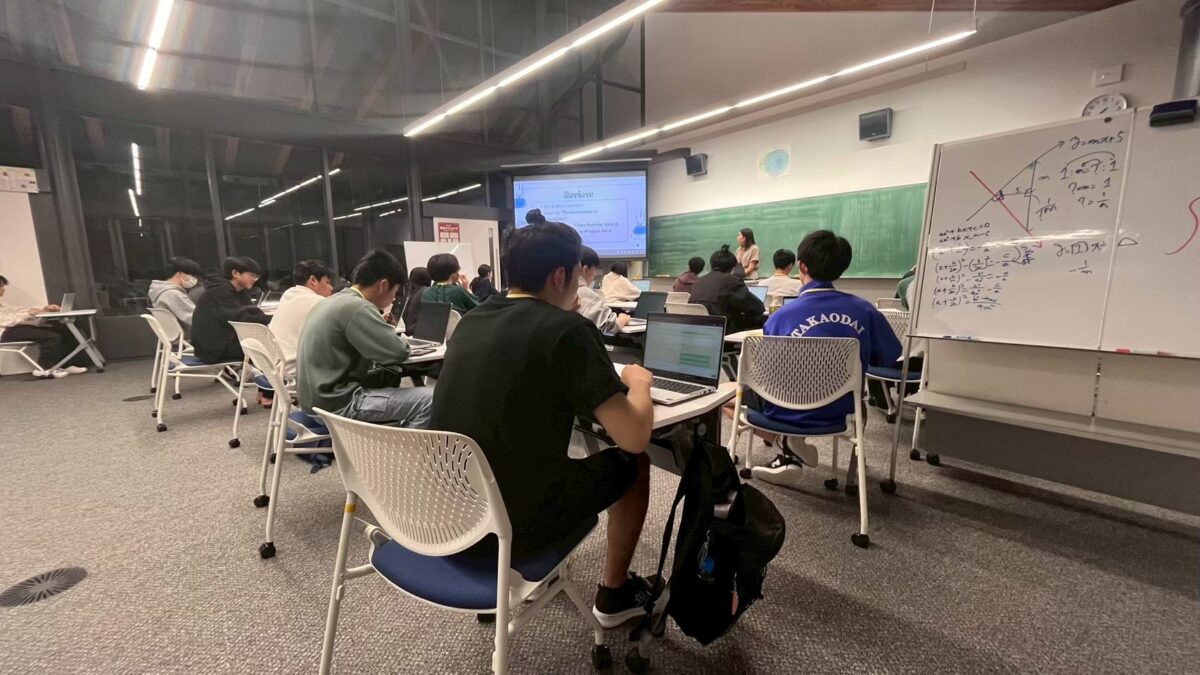
2日目は、Microsoft Wordを用いた文書作成の基礎に焦点を当てました。具体的には、書式設定、ショートカットキーの活用、ファイルの適切な保存方法などについて扱いました。ICTの学生にとって、レポートや振り返りを書く機会が多いため、これらのスキルは非常に重要です。その後、学んだ内容を活用して自己紹介文書を作成しました。内容を丁寧に整える学生もいれば、フォントやデザインを試しながら工夫する学生もおり、それぞれの個性が表れていて、見ていて楽しかったです。
3日目:メールワークショップ
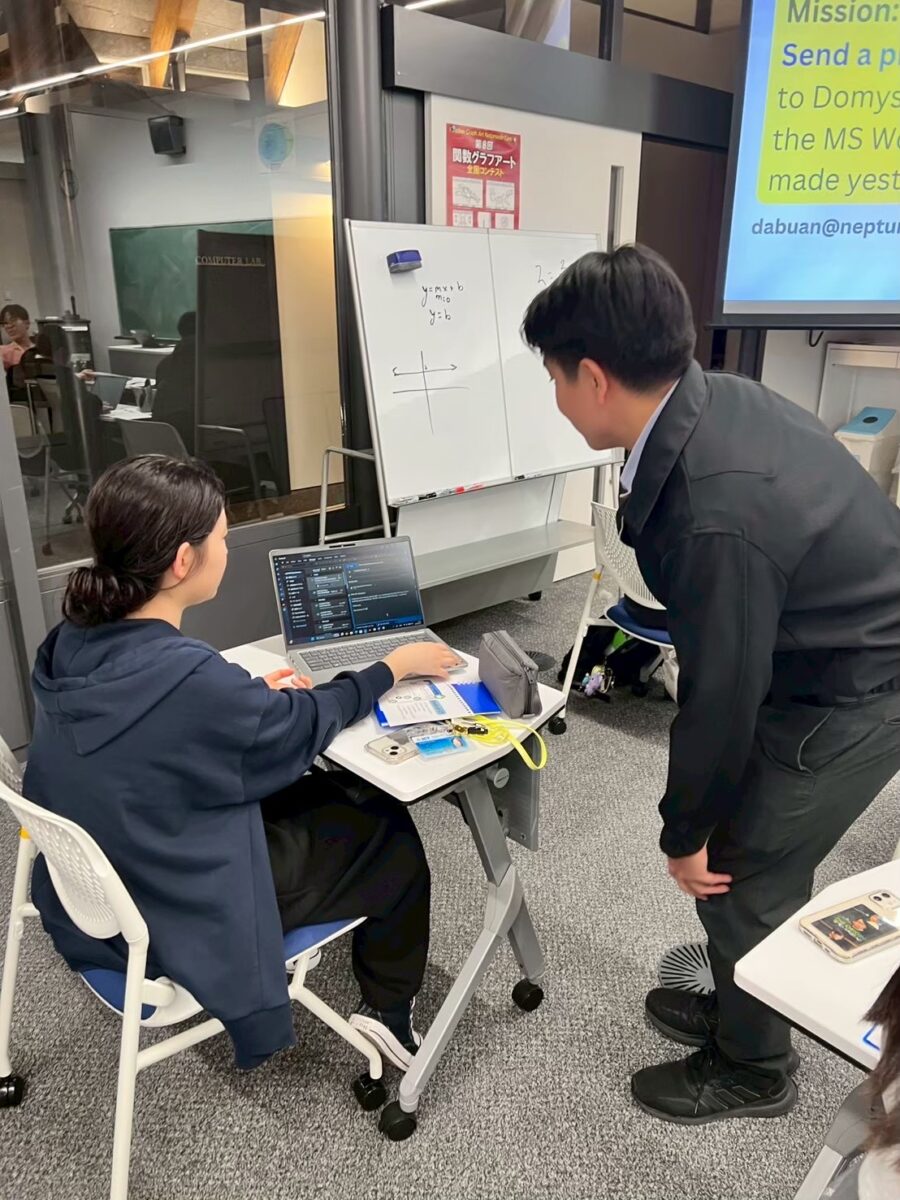
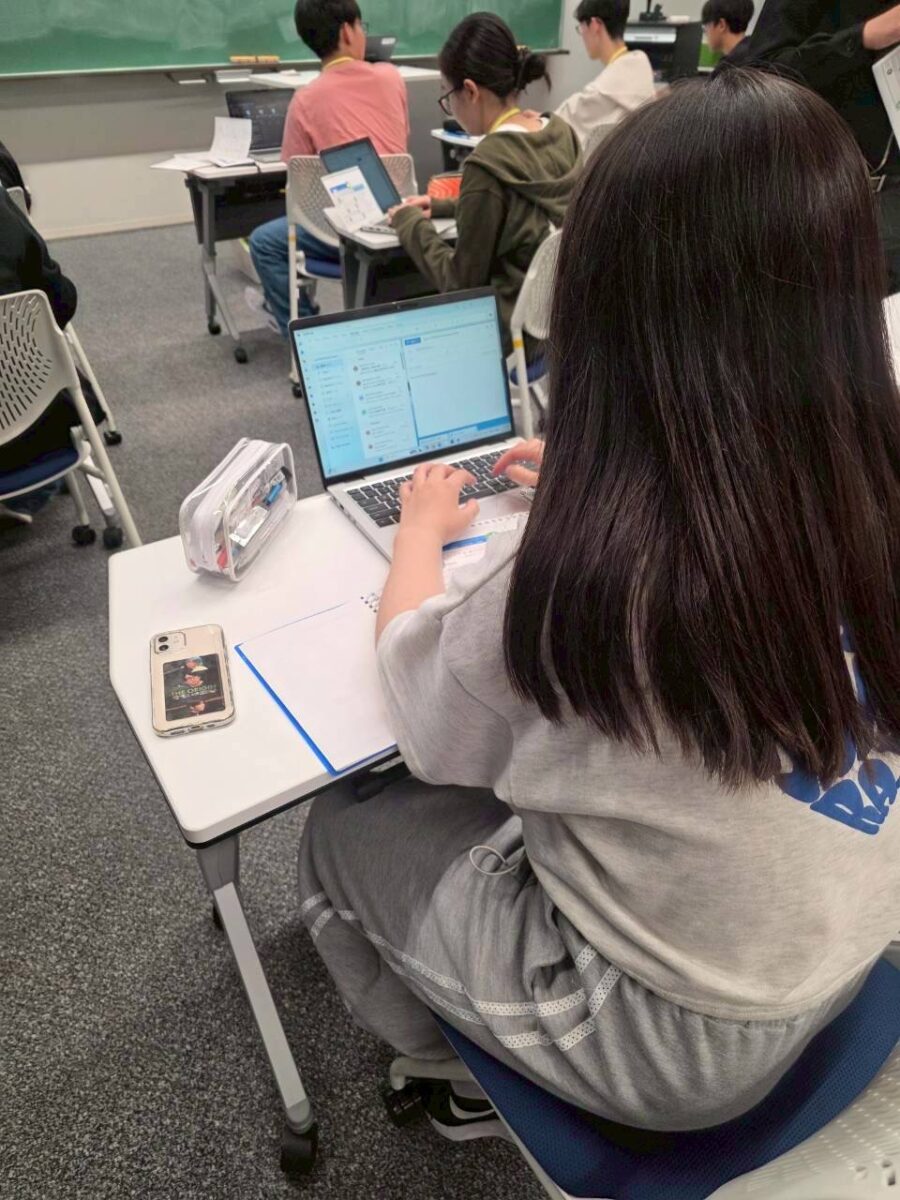
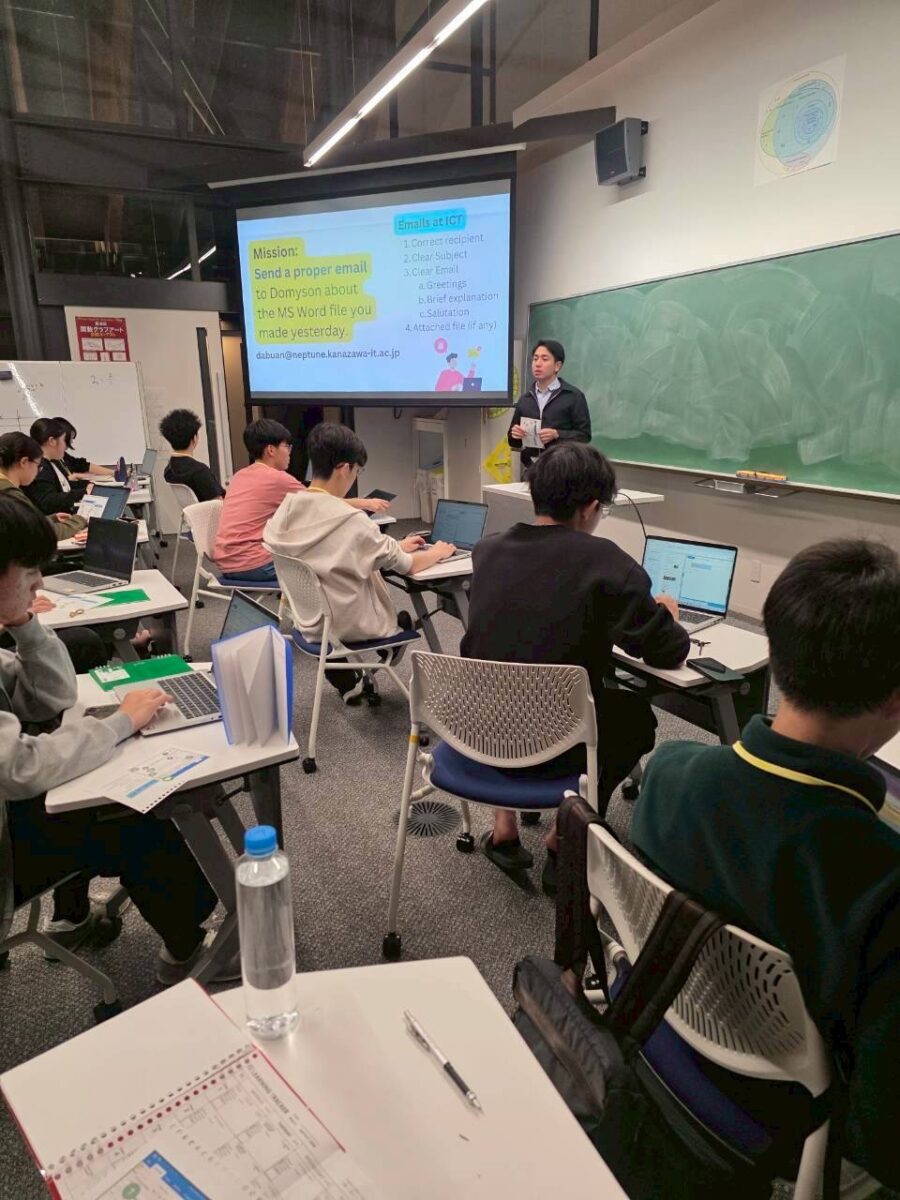
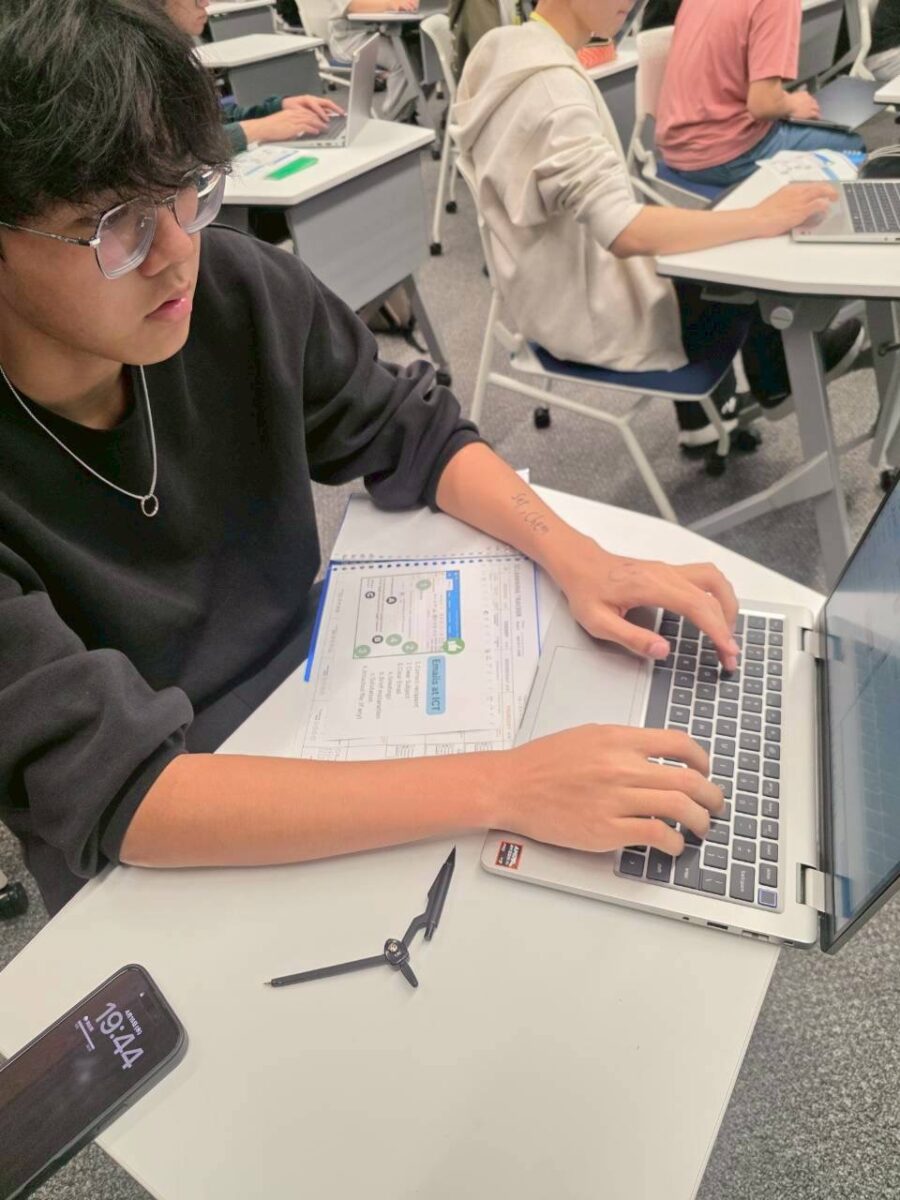
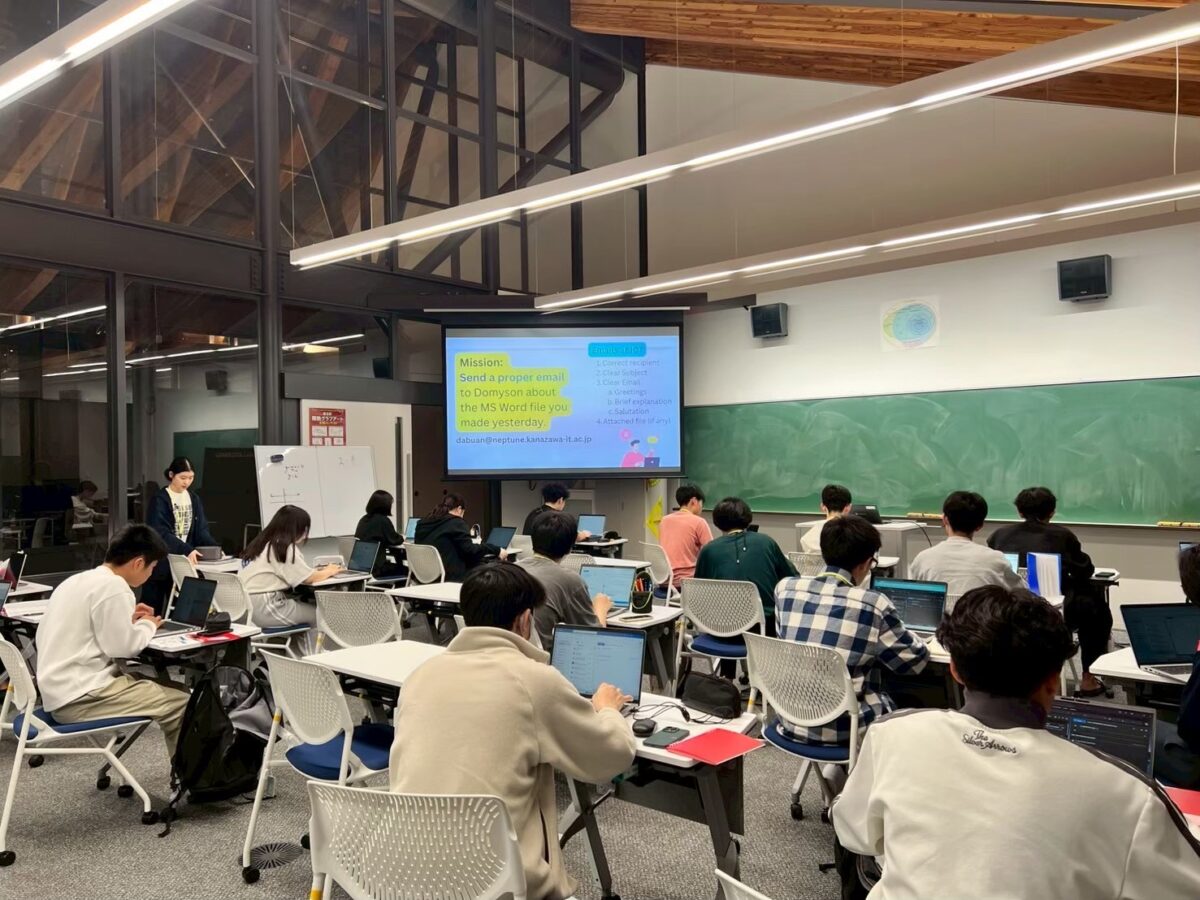
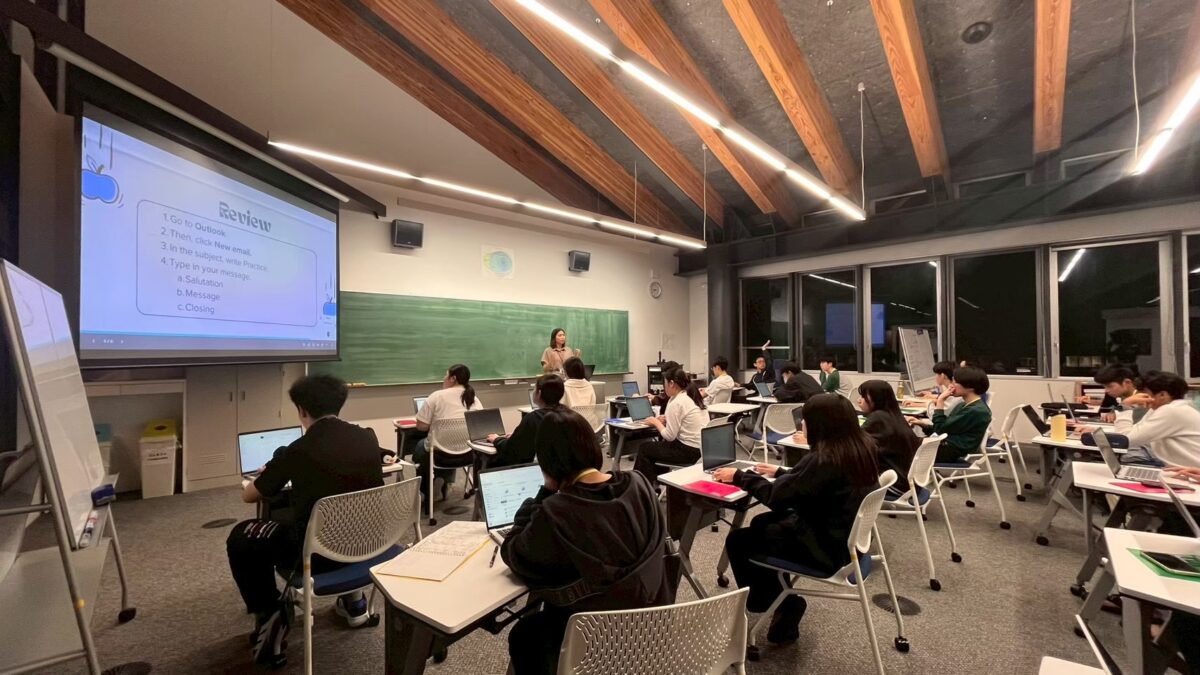
3日目は、適切なメールの書き方と送信方法を学びました。件名の付け方、挨拶、丁寧な表現、ファイルの添付方法、宛先の確認などについて扱いました。学生たちは短いメールの作成を実践し、前日のワークショップで作成した自己紹介文書を添付する課題にも取り組みました。多くの学生が送信前に何度も文章を見直しており、慎重に取り組む姿勢が見られました。これらのスキルは、ICTでの学習だけでなく、将来の職業生活においても大いに役立つものです。
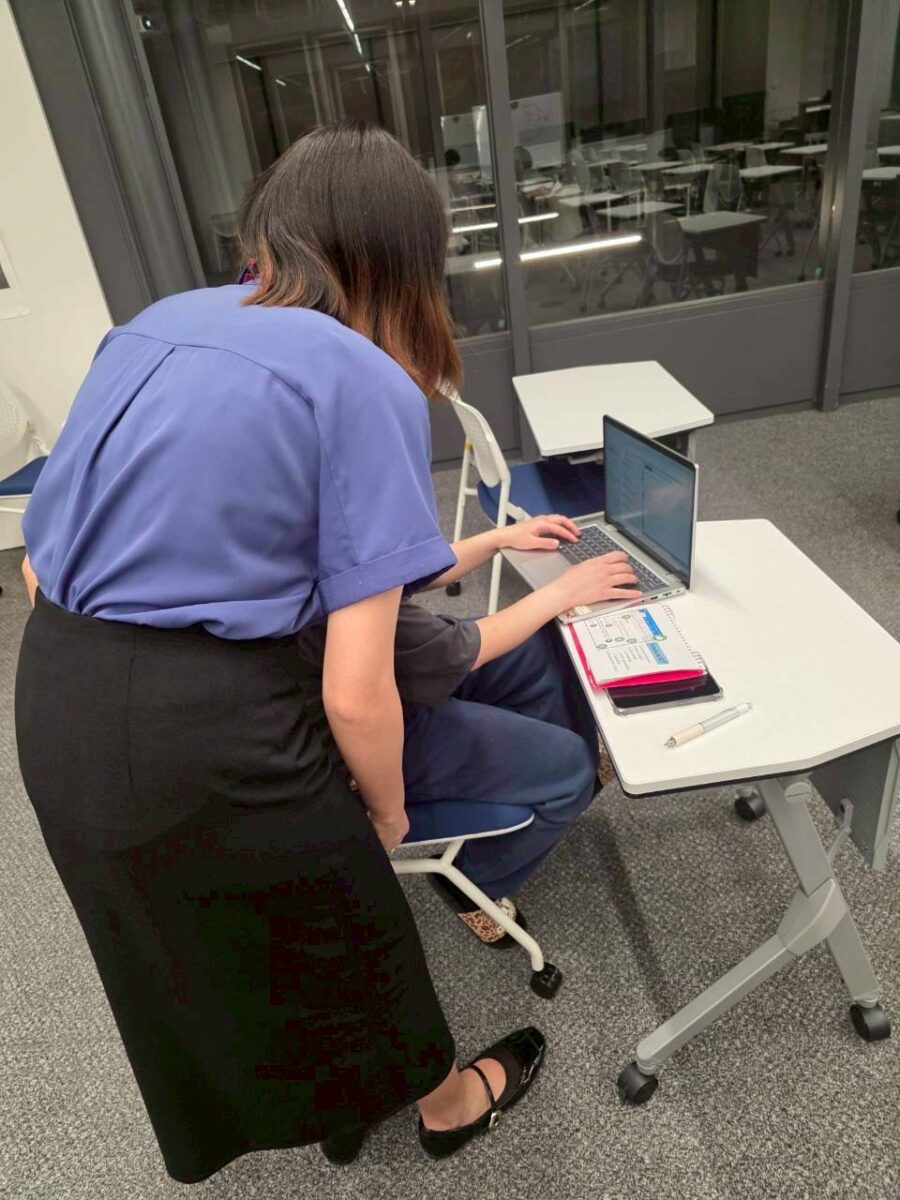
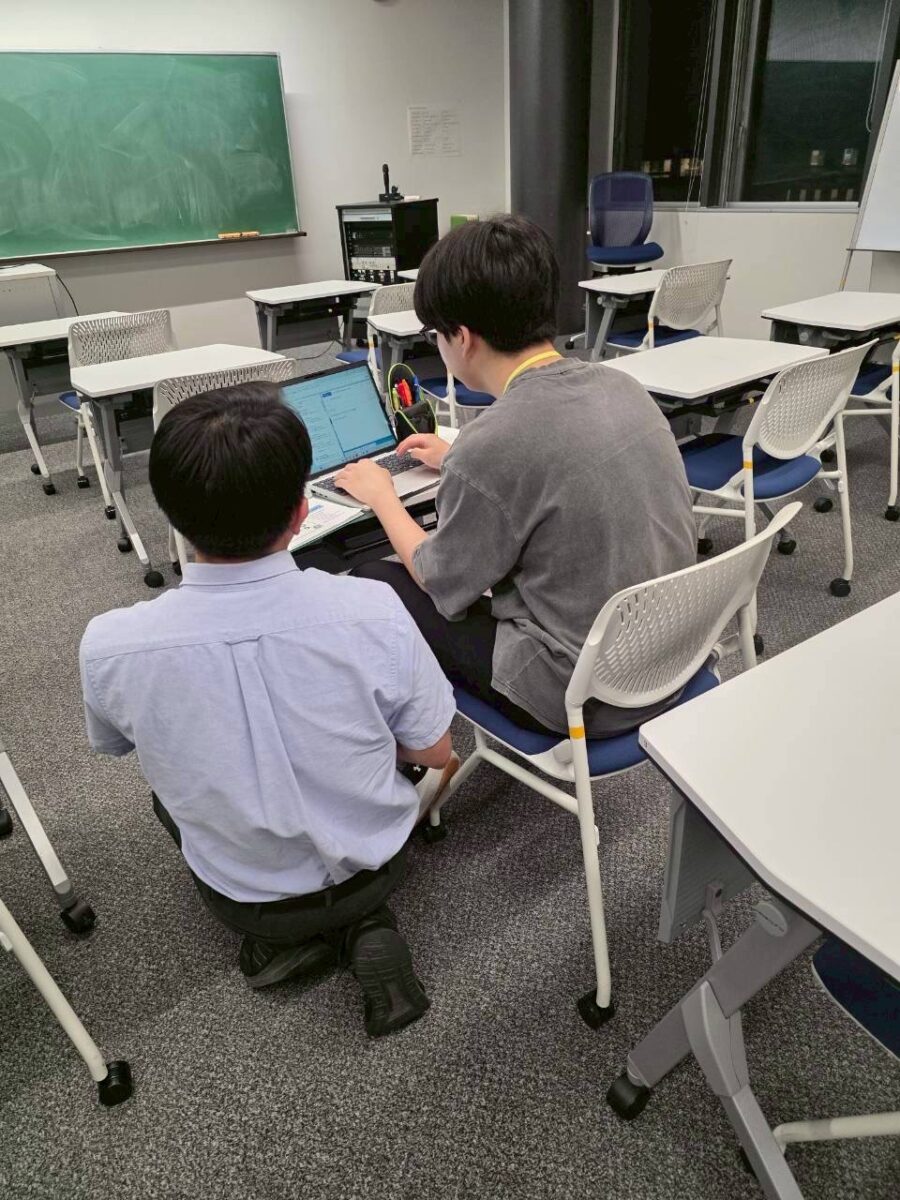
4日目:復習
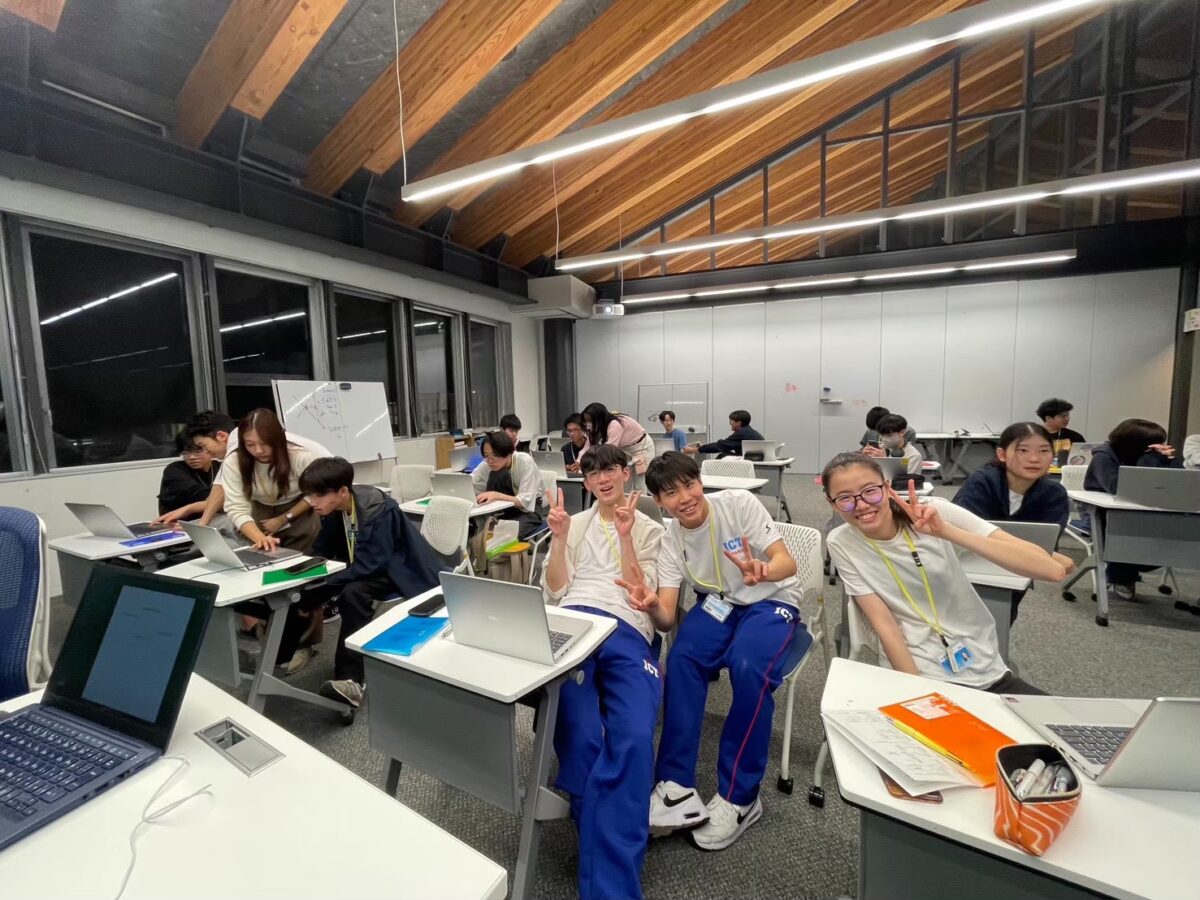
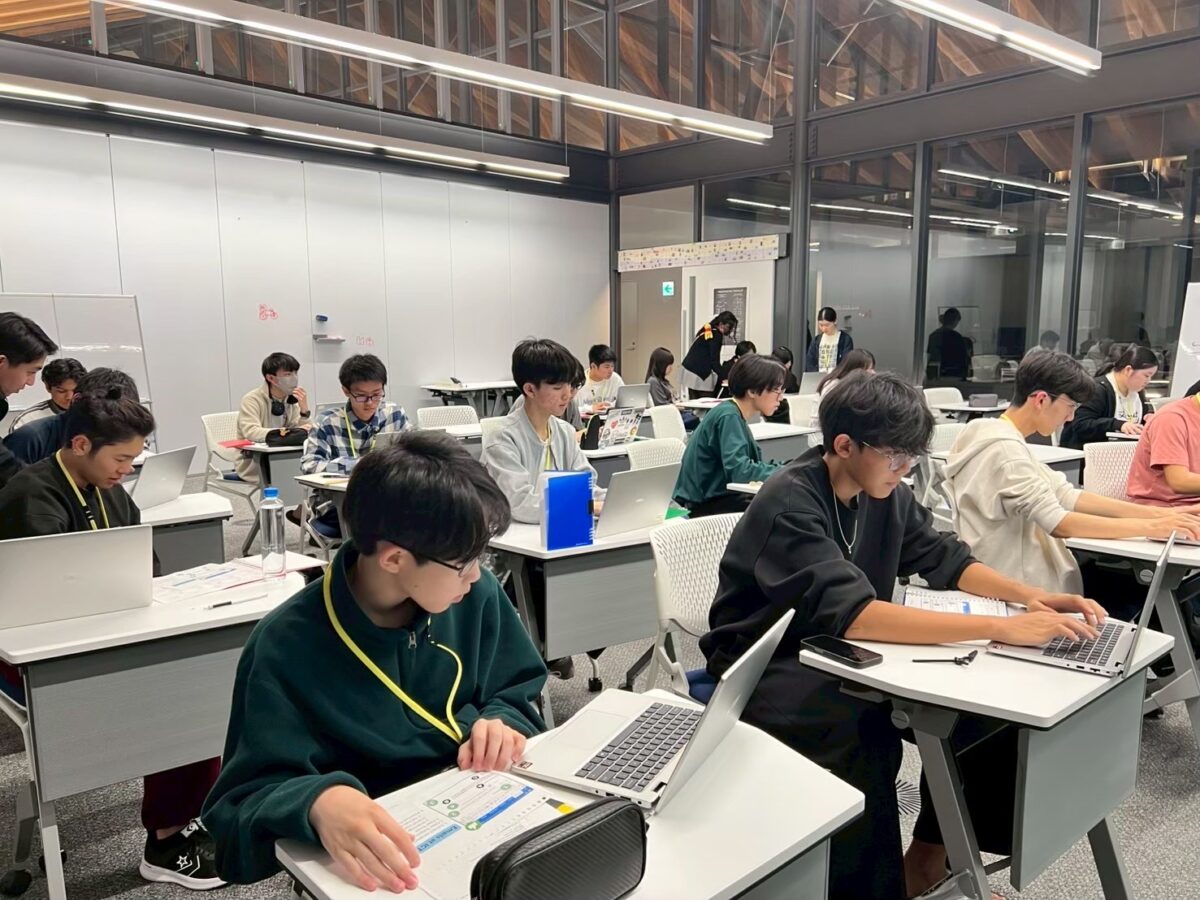
最終日は、これまでに学んだ内容の復習を行いました。eSyllabusの確認、Wordの使い方、メールの送信といったスキルを改めて確認しました。初日と比較すると、教室の雰囲気には明らかな変化が見られました。学生たちはよりリラックスし、自信を持って取り組んでいる様子が印象的でした。その変化は小さなものではありましたが、確かに感じ取ることができるものでした。
今回のワークショップはシンプルな内容でしたが、基礎的なスキルの重要性を改めて実感する機会となりました。eSyllabusを確認することや、分かりやすく丁寧なメールを送ることは一見小さなことに思えますが、新しい環境に適応するうえで大きな助けとなります。特別なことを成し遂げることだけが重要なのではなく、日常の一つひとつの行動に自信を持てることこそが大切なのだと感じました。
シャルミー・アブアン
Mini Workshops for New Students
Hello again! I’m Sharmee Abuan, one of the Learning Mentors at ICT Hakusanroku Campus. It’s been just over a month since the school year began. In my last entry, I shared about the workshops we handled throughout the previous year. This time, I’d like to share about something we did on a smaller scale but is just as important: the mini workshops we held for our new students about a week into the academic year.
Before classes officially started, the Learning Mentors got together to think about how we could help incoming students settle in more smoothly. Adjusting to a new school can already feel overwhelming, so we decided to focus on practical skills. These are the things students would actually use every day at ICT.
The mini workshops ran for four days, with each session lasting about 15 to 20 minutes during the first part of our Learning Sessions from April 13th to 16th, 2026.
Day 1 – eSyllabus Workshop
We started by introducing the eSyllabus and explaining why it’s important to check it regularly. It is very important that they understand how to use the eSyllabus because it is the main system students use to view their class curriculum, content, and tasks. At first, some students seemed unsure as they navigated the system on their own. You could tell they were carefully trying to figure things out. Before long, though, they began clicking around more confidently and asking questions when they got stuck. By the end of the session, it was clear they felt more comfortable using it.
Day 2 –Microsoft Word Workshop
As ICT students write reports and reflections in their classes, this session focused on the basics of creating documents such as formatting, using shortcuts, and saving files properly using Microsoft Word. Students then created a short self-introduction document using what they had learned. Some went straight into organizing everything neatly, while others immediately started experimenting with different fonts. It was actually fun to see their personalities come through as they use the program.
Day 3 – E-mail Workshop
Day three was all about writing and sending e-mails properly with subject lines, greetings, polite wording, attaching files, and making sure messages go to the right person. Students practiced writing short e-mails on their own, and many of them reread their messages several times before hitting the send button. They were also asked to use the output they made in the previous workshop as an attachment to their e-mail. Mastering how e-mails work will be very useful not only in their ICT life but also in their professional journey.
Day 4 – Review
The final day was mostly a review: checking the eSyllabus, using Word, and sending e-mails again. Compared to day one, the atmosphere felt noticeably different. The room was more relaxed, and students seemed more confident. It was a small change, but an easy one to notice.
The workshops themselves were simple, but going through them was a good reminder of how much these “small” things matter. Checking the eSyllabus or sending a clear e-mail may seem minor, but they can make a big difference in how smoothly someone adjusts to a new environment. Sometimes, it’s not about doing something big but about feeling capable in the everyday moments.
Sharmee Abuan